

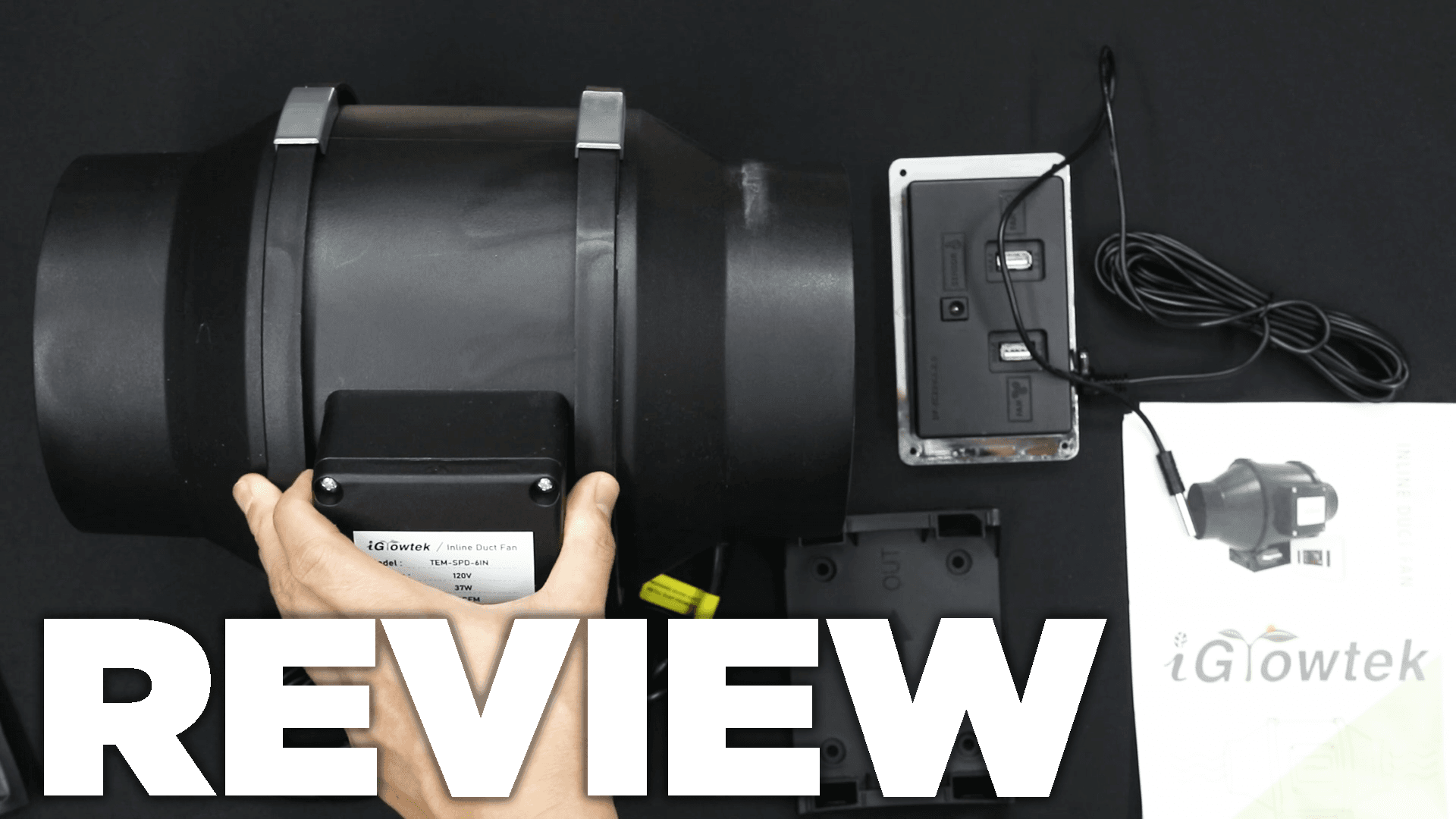
iGrowtek 6-Inch Fan Controller Review & Tutorial
Video chapters
- 0:00 — Why real-use reviews matter
- 0:53 — Original value verdict
- 1:19 — Historical wattage and airflow claims
- 2:03 — Why I liked Smart mode
- 2:42 — Fan, probe and controller ports
- 3:20 — Display, units and manual speed
- 4:05 — Alarm mode
- 4:45 — Auto mode
- 5:26 — Smart mode step-down behavior
- 6:05 — Differential and controller lock

Short answer: the historical iGrowtek 6-inch fan gave me a useful controller for the money. Its Smart mode stepped the fan down as the probe moved below the temperature target instead of jumping straight from one speed to off. The fan was powerful but loud, and I would not recommend buying an old or unverified listing today without a current manual, warranty and safety documentation.

Timestamp links open the standard HWGrow pop-out player at the selected moment without losing your reading position.
Controller ports and basic controls
- Fan ports: the tested controller had two fan connections, allowing a second compatible unit.
- Probe port: the temperature probe connected at the top and belonged at canopy height, away from direct light and airflow.
- Mode button: cycled through Off, On, Alarm, Auto and Smart.
- Display button: toggled the display; a long press changed temperature units on my controller.
- Up/down: changed the setting for the active mode.
What each mode did on my controller
On: ran continuously at one of six selected speed levels. Set the normal maximum working speed here before using Auto or Smart.
Alarm: set an emergency high-temperature threshold. When the probe reached it, my controller drove the fan to level six. That is a backup response, not a substitute for safely sized cooling and exhaust.
Auto: ran at the selected On-mode speed until the measured temperature fell below the target by the configured differential, then shut off.
Smart: stepped the fan down one level for each differential below the target, eventually turning it off. With a four-degree differential, for example, each four-degree drop reduced the speed by another level.
Differential: holding Mode + Down changed my tested controller from four degrees to two; Mode + Up restored four. Holding Mode alone locked or unlocked the controls.
Do not copy my old temperature numbers blindly
The old article listed speed 4, a 90°F alarm, a two-degree differential and a 79°F Smart target for one 4×3 setup. Those were room-specific settings, not universal targets. A safe controller plan depends on the crop stage, light heat, room intake temperature, humidity, filter resistance and what happens if the fan or probe fails.
Place an independent thermometer/hygrometer near the canopy and compare it with the controller probe before trusting automation. Test every mode while you are present. Never use Alarm mode as permission to let a room drift toward an unsafe temperature.
How current alternatives have changed
The comparison to an old AC Infinity controller is no longer current. AC Infinity’s current CLOUDLINE T6 page lists temperature, humidity and VPD control along with 425 CFM and current certification details. That does not prove it is the best system, but it shows why a 2022 on/off-controller comparison should not decide a 2026 purchase.
AC Infinity savings: If you buy from AC Infinity directly, use code EVYGROWS at checkout for additional savings on eligible products.
Use the state of indoor grow equipment guide to separate old hardware from current generations. The FTC’s advertising guidance is also why airflow, noise and reliability claims should be treated as claims until they are measured.
Useful ventilation tools
6-inch smart inline fanCompare minimum-speed behavior, sensor logic, certification and warranty.Check Current OptionsIndependent temperature/RH meterCross-check the controller probe at canopy height.Check Current Price6-inch carbon filterAccount for filter and duct resistance when sizing the fan.Check Current Options
Affiliate disclosure: HWGrow may earn a commission from qualifying Amazon purchases at no additional cost to you. Equivalent current products can replace these links without changing the controller-testing method.
Continue with the grow-tent fan and filter installation guide. Need help choosing safe current settings? Ask HWGrow with the exact controller model, tent, filter, lights and room conditions.
Frequently asked questions
What did iGrowtek Smart mode do?
On the tested controller it lowered the fan by one speed level for each temperature differential below the target, eventually shutting off.
What was the difference between Auto and Smart?
Auto ran at the selected speed until the low threshold and then stopped. Smart stepped down gradually as the probe moved below the target.
Should I use the exact settings from the old article?
No. They described one 4×3 setup. Choose thresholds from your actual canopy conditions and verify them with an independent sensor.
Is the historical iGrowtek still recommended?
Not as an unverified current purchase. The controller logic was useful, but buy only when the exact present model has a current manual, warranty and safety documentation.
You may also like
Best Grow Tent Humidifier: Why Young Plants Need More Humidity
How to Pheno Hunt Cannabis and Choose a Keeper

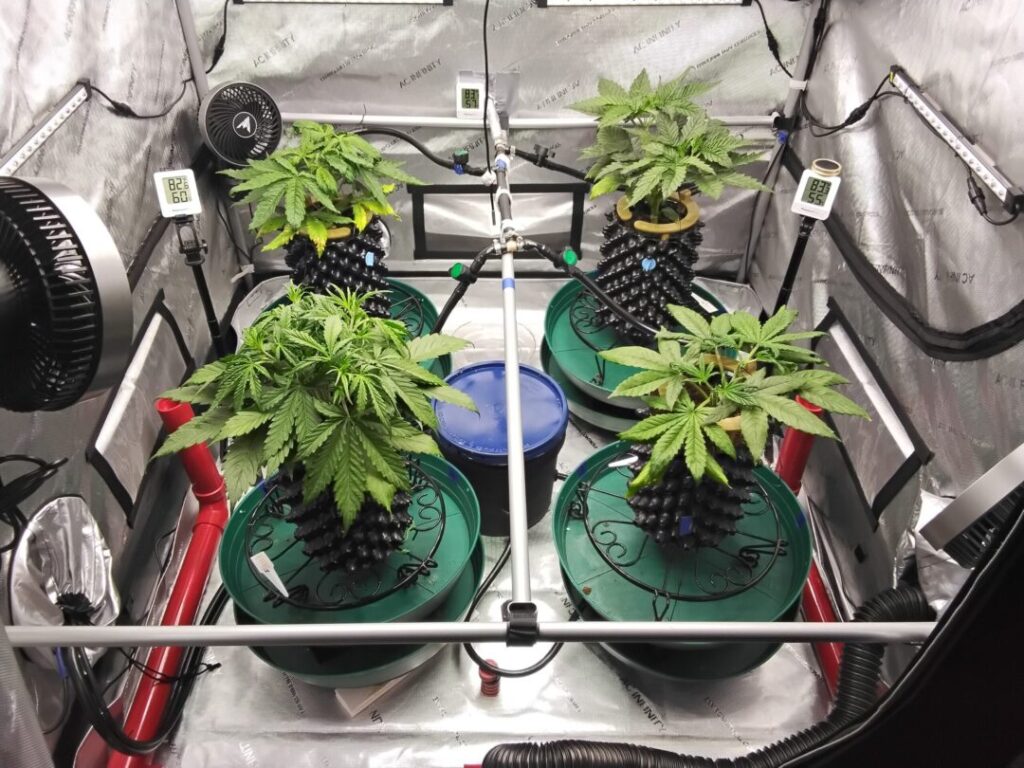




Featured Grow
 Jul 2026 — White Iverson by Selfie Seeds +2 more
White Iverson × Selfie Seeds, Pink Strawberry × Selfie Seeds, Purple Berry × Selfie Seeds • Soil • Started Jul 25, 2026
View journal
Jul 2026 — White Iverson by Selfie Seeds +2 more
White Iverson × Selfie Seeds, Pink Strawberry × Selfie Seeds, Purple Berry × Selfie Seeds • Soil • Started Jul 25, 2026
View journal
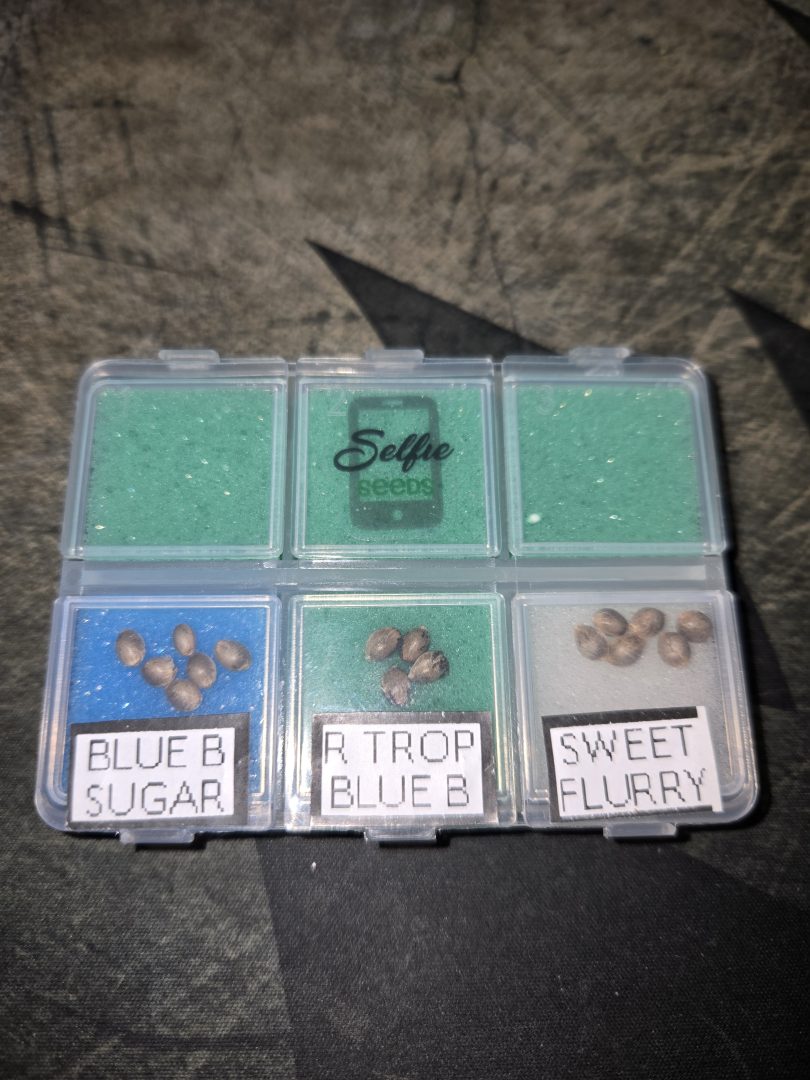 First Selfie Seeds Grow (Blueberry Sugar, Tropical Blueberry, and Sweet Flurry)
Blueberry Sugar × Selfie Seeds, Tropical Blueberry × Selfie Seeds, Sweet Flurry × Selfie Seeds • Soil • Started May 27, 2026
View journal
First Selfie Seeds Grow (Blueberry Sugar, Tropical Blueberry, and Sweet Flurry)
Blueberry Sugar × Selfie Seeds, Tropical Blueberry × Selfie Seeds, Sweet Flurry × Selfie Seeds • Soil • Started May 27, 2026
View journal
Awesome It’ll be a bit chlorophyllie but definitely let me know your opiniones

Walked in this morning before lights out and they are already bouncing back pretty good.
Awesome, fingers crossed for you
Nice LSTing Looks perfectly symmetric

Bananas!!!!! I knew I forgot something today. Thanks, gotta hit the store up in the am anyway. Coming off night,…